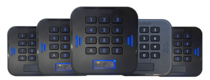
 LabKey Mini
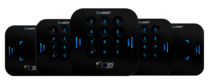 LabKey Glass
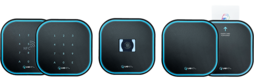 LabKey Next
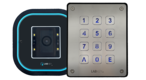 LabKey Extreme
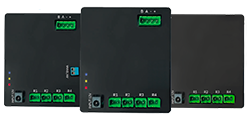 Wi-Fi & bluetooth connection
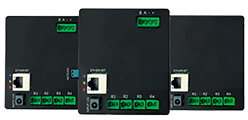 Wi-Fi / LAN Connection
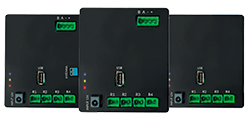 Wi-Fi / LTE Connection
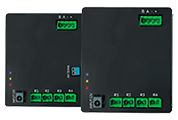 Local Network Connection
 KIT LABKEY ACCESS PRO 8
 For Bed & Breakfast
 Access Control for hotel
 Access control for GYM
 For Companies
 For Public Administration
 Access with payment solutions
 Some installations
 Manage Software
 Additional cloud feature
 App for remote control
 API and integrations


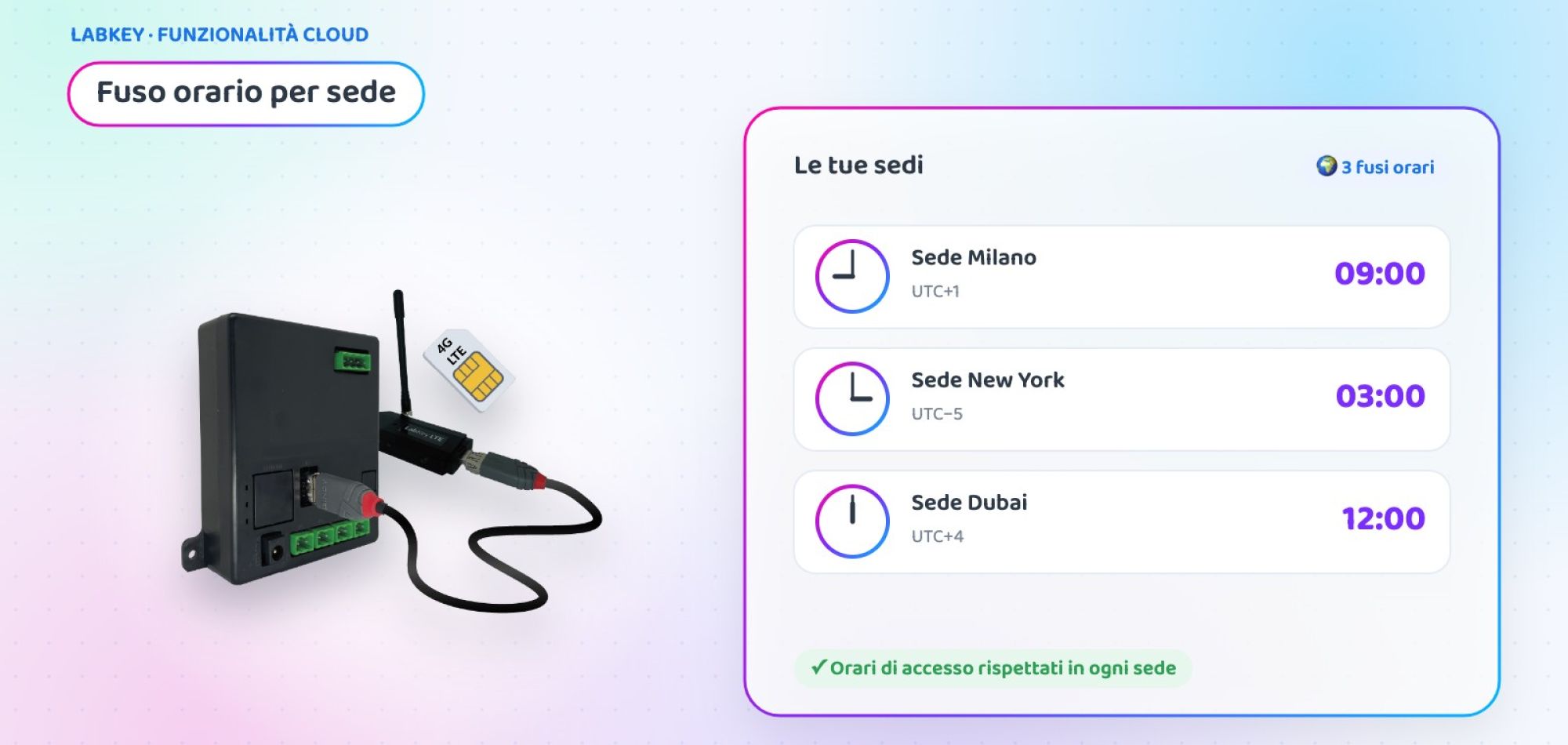
Access control for international sites: each facility in its own time zone
If you manage access control for international sites from a single panel, time matters: an “8 am to 6 pm” slot must apply at 8 am in London or Dubai, not at 8 am Italian time. With LabKey’s Time Zone you set the local time of each facility, and rules, logs and events follow the site’s clock.
What is LabKey’s Time Zone
Time Zone is a basic plugin included in the Manage panel. It lets you set a general time zone for the whole panel and, when needed, a specific time zone for each facility.
This way, if you have sites in different countries, each facility’s access rules, logs and events are managed according to its local time. Someone who enters at 9 am in London is recorded as entering at 9 am, and time slots apply as intended at every site.
How to set the time zone, in 3 steps
A few clicks from the Manage panel are all it takes.
🧩 Open Plugins
From the left-hand menu, select “Plugins” and click the green pencil in the “Time Zone” row.
🌍 Choose the general time zone
Select the time zone that applies to the whole panel and save.
🏢 Set up the facilities
When you create or edit a facility, you assign it its local time zone.
Case study: a company with sites in three countries
Padua, London and Dubai in a single panel
An Italian company headquartered in Padua opens a branch in London and an office in Dubai. The IT department wants to manage all access from a single panel, with the same opening hours at every site.
- Time slots calculated on Italian time even abroad
- In Dubai the entrance opened up to three hours late, in London an hour early
- Log times hard to compare with local time
- General panel time zone set to Europe/Rome
- Specific time zone for London and Dubai in their respective facilities
- The same “8 am–6 pm” slot applies at local time at every site
💡 The added value
Example scenario, created to show a possible use of the feature.
🌍 Do you have sites or customers in different countries?
Tell us where your facilities are: in a short call we will show you how to manage them all from a single LabKey panel.
📅 Book a free, no-obligation callWhere you need a time zone for each facility
Wherever a single panel manages facilities in different time zones.
Companies with foreign branches
Offices and plants abroad managed from headquarters.
Hotel chains
Properties in different countries with check-in and common areas on local time.
Installers and integrators
Customer systems in other countries managed from the same panel.
At a glance
| 🕒 General time zone | Applies to the whole panel |
| 🏢 Time zone per facility | Assigned when creating or editing the facility |
| ⚙️ What follows local time | Access rules, logs and events |
| 🧩 Where it is set | Manage panel › Plugins › Time Zone |
| 💶 Cost | Basic plugin included |
Time Zone is one of the features of the LabKey cloud panel. To give each site its own manager, also discover multi-operator access control.
Frequently asked questions about the time zone
Is Time Zone a paid feature?
No. Time Zone is a basic plugin included in the Manage panel: you just set it up from the Plugins menu.
Can I have different time zones for different sites?
Yes. In addition to the general panel time zone, you can assign a specific time zone to each facility when creating or editing it.
What changes when you set a facility’s time zone?
Access rules, logs and events for that facility are managed according to its local time.
Where do you set the general time zone?
In the Manage panel, from the Plugins menu: in the Time Zone row, click the pencil icon and select the time zone you want.
Want to manage all your sites from a single panel?
Book a call with our team: we will look at your facilities together and show you how to set up time zones and access rules.
📅 Book a free, no-obligation call 👉 All additional features
