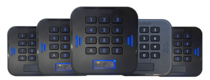
 LabKey Mini
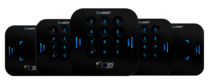 LabKey Glass
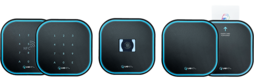 LabKey Next
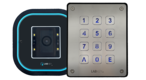 LabKey Extreme
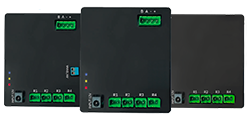 Wi-Fi & bluetooth connection
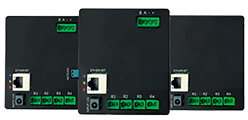 Wi-Fi / LAN Connection
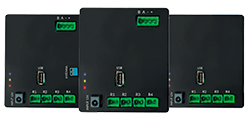 Wi-Fi / LTE Connection
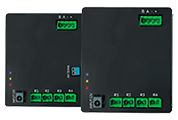 Local Network Connection
 KIT LABKEY ACCESS PRO 8
 For Bed & Breakfast
 Access Control for hotel
 Access control for GYM
 For Companies
 For Public Administration
 Access with payment solutions
 Some installations
 Manage Software
 Additional cloud feature
 App for remote control
 API and integrations


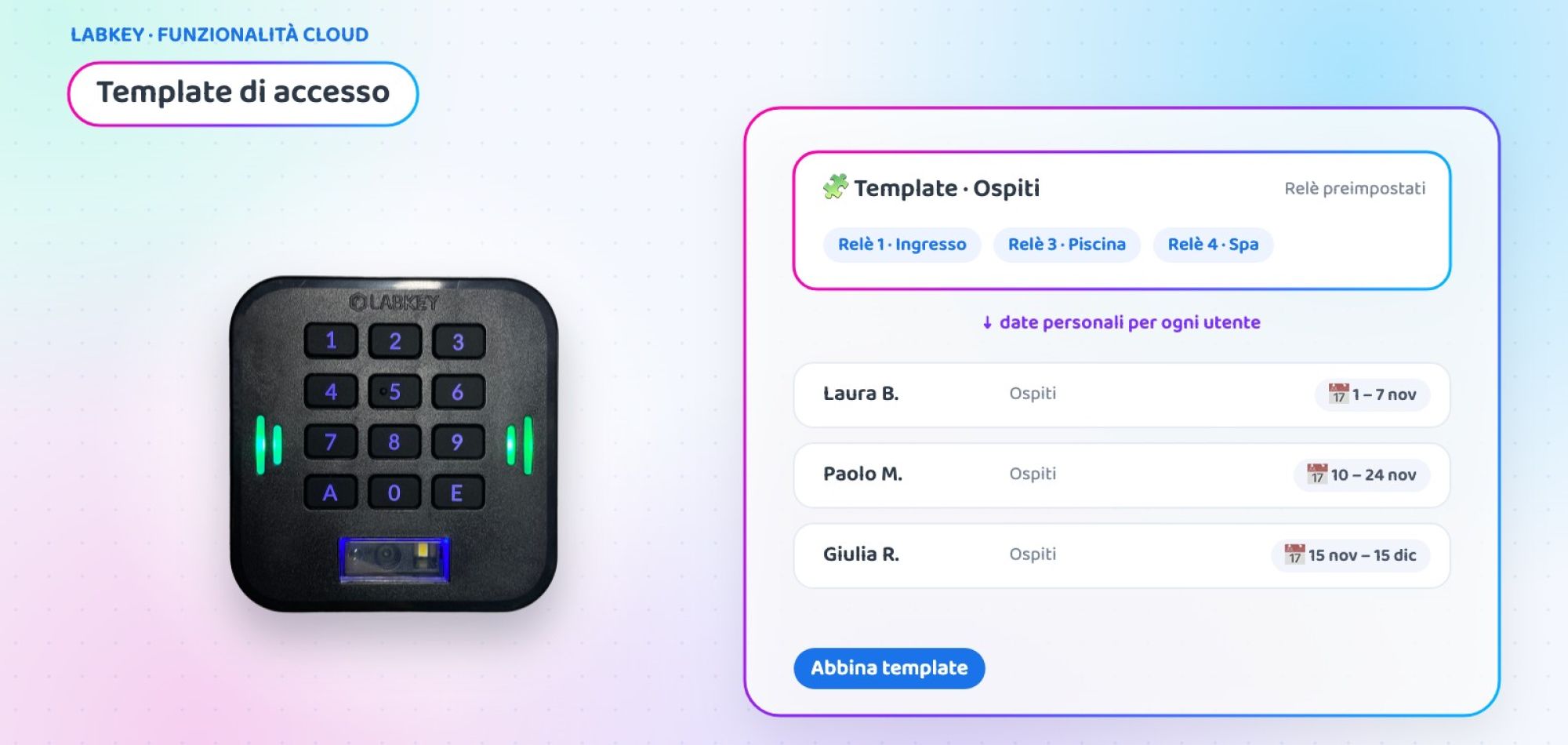
Temporary access permissions: create users in a few clicks with Templates
Giving temporary access permissions to guests, new staff or members is a task that repeats every day: the same access points, always different dates. With LabKey’s Access Templates you save the access points to enable just once and, for each new user, you simply choose the template and set that person’s dates and times.
What is LabKey’s Access Template
The Template is an additional feature of the Manage panel: a model with a name and description that contains the control units and relays, that is, the doors, gates and turnstiles a certain type of user needs to access.
When you create a new user, you select the template and the access points are filled in automatically. Then you set the start and end date and time valid only for that person. This way you create correct temporary access permissions in a few seconds, without repeating the same configuration every time.

Templates or User Groups: which one to use?
Two different tools for two different needs.
Same access points, personal dates
It presets only the relays. Dates and times are defined on the individual user when the template is assigned.
- Ideal for guests, members and staff with different periods
- Each person has their own expiry date
- Changes apply to new assignments
A shared permission
It shares both the relays and the date and time filters among all members.
- Ideal for teams with the same schedule, such as a work shift
- The same rules for everyone
- Included in the basic panel
How to create temporary access permissions with Templates
Three steps from the Manage panel.
🧩 Create the template
From “Users” › “Templates”, click “Add new”, enter a name and description and choose the control units and relays to enable.
👤 Assign it to the user
When you create a user, click “Select Template” and choose the template from the menu: the access points fill in by themselves.
📅 Set the dates
Enter the start and end date and time of validity for that person and save: the temporary permission is active.
Case study: a coworking space with memberships starting every day
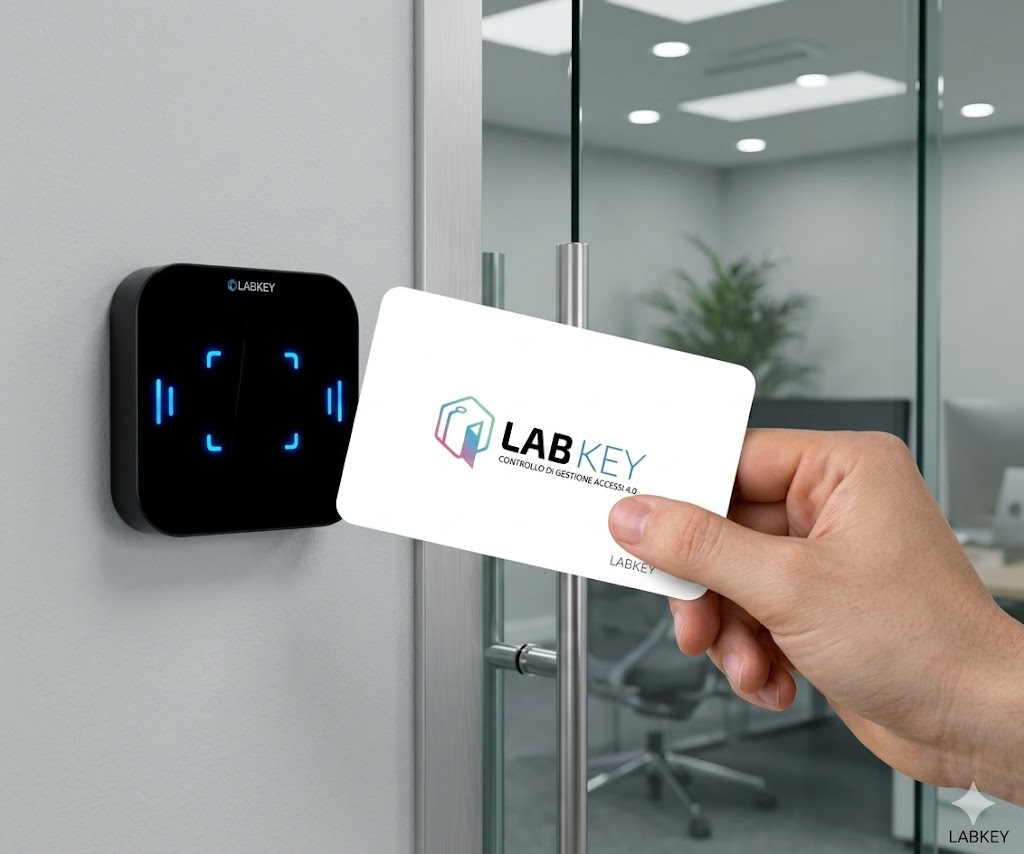
Coworking space with three membership plans
A coworking space with 150 members and 5 access points (entrance, two meeting rooms, locker area, private offices) sells day passes, monthly memberships and team packages. New members arrive every day with different start dates.
- Each new member configured by hand, access point by access point
- Frequent errors: rooms enabled for people who had not paid for them
- Expired memberships with access still active
- Three templates: Day pass (entrance), Resident (entrance and rooms), Team (all access points)
- At reception, staff choose the template and enter the start and end date
- At the end of the period the permission expires on its own
- New service? The template is updated for new members
💡 The added value
Example scenario, created to show a possible use of the feature.
🧩 Do you create users with the same access every day?
Tell us which types of users you manage: in a short call we will show you how to set up templates on your panel.
📅 Book a free, no-obligation callWhere to use temporary access permissions
Wherever different people use the same access points but for different periods.
Coworking
Day passes, memberships and teams with different access points for each plan.
Companies
New hires by department, interns and consultants with start and end dates.
Suppliers and construction sites
External companies enabled only for the necessary access points and only for the days of the job.
Hotels and B&Bs
One template per room type, with each guest’s stay dates.
Gyms
Monthly or quarterly memberships starting on different days for each customer.
Schools and courses
Students enabled for their own course’s classrooms for the duration of the lessons.
At a glance
| 🧩 What it presets | Control units and relays (the enabled access points) |
| 📅 Dates and times | Set on the individual user when the template is assigned |
| 🛠️ Where it is created | Manage panel › Users › Templates |
| 🔄 Template changes | Apply to new assignments |
| 👥 Difference from Groups | Groups also share dates and times |
| 🎯 Ideal for | Recurring users with the same access points and different periods |
The Access Template is one of the additional features of the LabKey cloud panel and is activated on your panel on request.
Frequently asked questions about temporary access permissions
What is an access template?
It is a model saved in the Manage panel that presets control units and relays, that is, the access points the user can access. When you create a new user, you select the template and the access points are filled in automatically.
What is the difference between Templates and User Groups?
A Group shares the same permission among several people, both for the relays and for dates and times. A Template presets only the relays: dates and times are set on the individual user when you assign the template.
If I edit a template, do users already created change too?
No. Changes only apply to new assignments: users you had already assigned the template to keep the settings they had.
How do I set the duration of the temporary permission?
When you assign the template to the user, you enter the start and end date and time of validity. Each person can have a different period even if they use the same template.
How many templates can I create?
You can create a template for each type of recurring user: for example daily guests, staff, suppliers or members.
Want to simplify user creation?
Book a call with our team: we will look at your user types together and show you how to set up templates and temporary permissions.
📅 Book a free, no-obligation call 👉 All additional features
