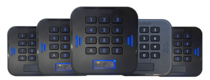
 LabKey Mini
 LabKey Glass
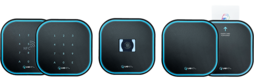 LabKey Next
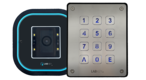 LabKey Extreme
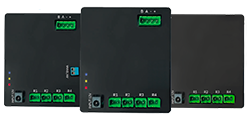 Wi-Fi & bluetooth connection
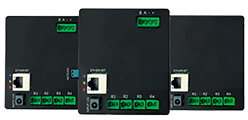 Wi-Fi / LAN Connection
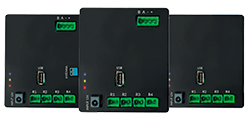 Wi-Fi / LTE Connection
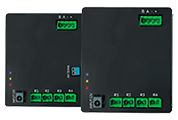 Local Network Connection
 KIT LABKEY ACCESS PRO 8
 For Bed & Breakfast
 Access Control for hotel
 Access control for GYM
 For Companies
 For Public Administration
 Access with payment solutions
 Some installations
 Manage Software
 Additional cloud feature
 App for remote control
 API and integrations


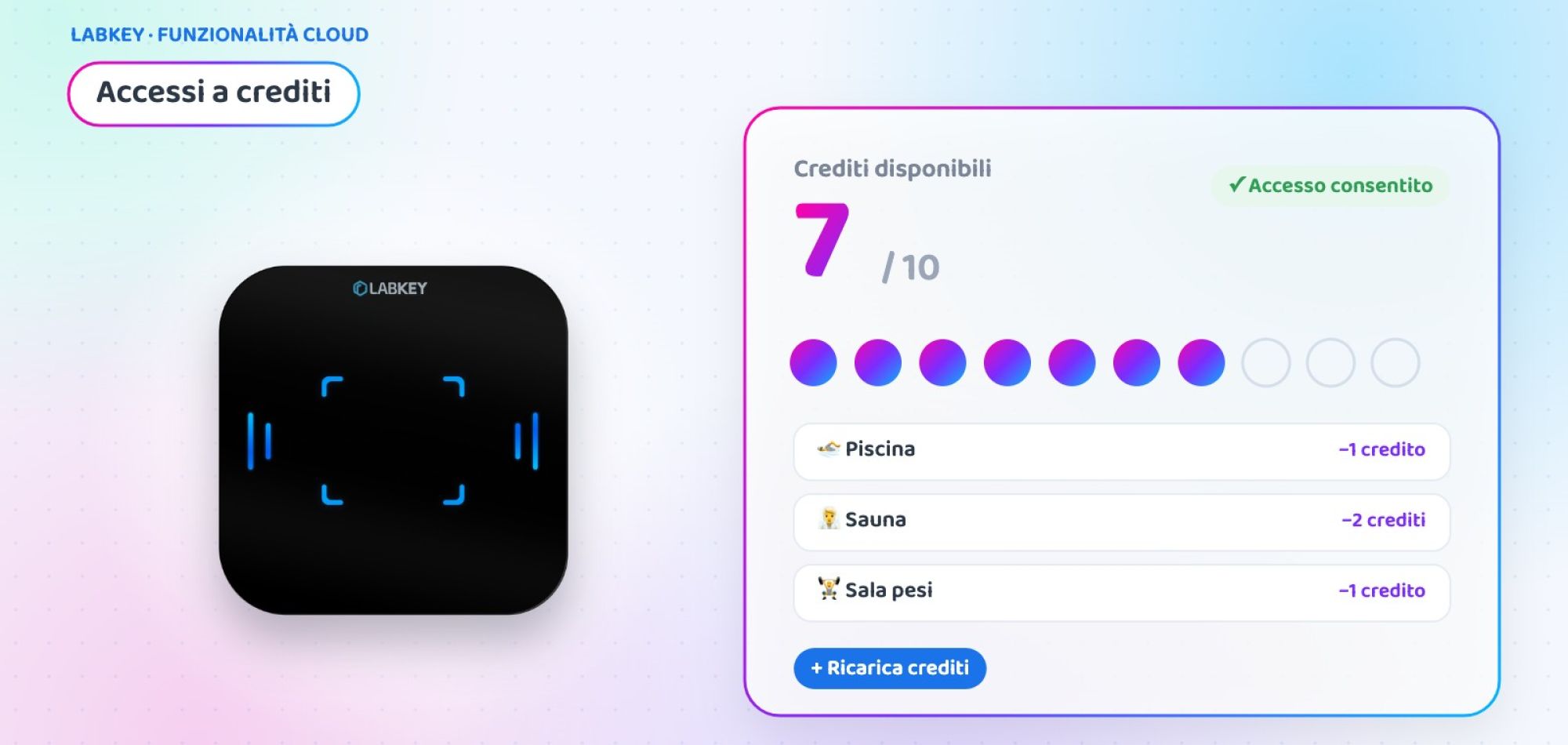
Access control with credits: pay-per-use entry for every area
Access control with credits is the simplest way to charge for each area according to its value: the user has a credit balance and, at every entry, the system deducts the value of the area they enter. With the Credits feature of the LabKey panel you assign a price in credits to each access point, the user tops up whenever they like and you keep balances, usage and top-ups under control in real time.
What is LabKey’s access control with credits
Credits is an additional feature of the Manage panel that links access to a balance. Each area is connected to a relay of the control unit and, through a credit price list, you decide how much it “costs” to enter it: 1 credit for the common room, 3 credits for a premium service.
When the user passes through the access point, the system automatically deducts the correct credit based on the settings. The balance is always up to date and, when it is about to run out, the user can top it up in a few steps.

How access control with credits works, in 4 steps
From the price list to the entrance, everything is set up from the Manage panel.
🏷️ Create the price list
In the “Credit Price List” menu, choose the control unit and assign a value in credits to each relay, that is, to each area.
👤 Assign the price list
When you create or edit a user, select the price list from the drop-down menu: from then on, their areas work with credits.
💳 Top up the balance
The manager adds credits from the panel with “Manage Credits”, or the user tops up online on their own through the payment gateway (if the reserved area/wallet is active).
🚪 Enter and deduct
At every entry the system deducts the area’s credits and updates the balance immediately, with no operators at the access point.
Balance, notifications and history always under control
Both the manager and the user always know where the credit stands.
Real-time balance
Every entry updates the available credit, visible in the user’s profile.
Automatic notifications
The user and the manager are notified when a payment succeeds or when the credit is about to run out (if the reserved area/wallet is active).
Exportable history
Each user’s usage and top-ups can be viewed and downloaded as CSV from the “Credit Management” popup.
Case study: a sports centre with credit-based services

Sports centre with weights room, padel and spa
A sports centre offers three services with very different costs and around 600 active customers. It wants everyone to pay only for what they use, without multiplying memberships and tickets.
- Identical memberships for services with different costs: those who only use the weights room also pay for the spa
- Reception busy selling single entries and tokens
- No data on how much each area is used
- A credit price list: weights room 1 credit, padel court 2, spa 3
- Customers top up online (if the reserved area/wallet is active) or at reception
- Each access point deducts the area’s credits when the badge or QR code is presented
- Automatic notification when the credit is about to run out
💡 The added value
Example scenario, created to show a possible use of the feature.
💳 Want to charge for each service according to its value?
Tell us how your areas are organised: in a short call we will show you how to set up access control with credits at your facility.
📅 Book a free, no-obligation callWhere to use access control with credits
Wherever there are services with different values or pay-per-use access.
Gyms and sports centres
Weights room, classes, courts and spa with different prices in a single balance.
Coworking
Meeting rooms and booked desks that deduct credits at every use.
Municipal services
Recycling centres and pay-per-use services for citizens. Discover the Roveredo case.
Self-service areas
Showers, washing stations and automatic services paid with credit, with no staff.
Hotels and resorts
Spa, gym and extra areas charged to guests only when they use them.
Clubs and associations
Courts and shared facilities on credits for members and guests.
At a glance
| 🏷️ Configuration | Credit price list with a value for each relay (area) |
| 👤 Assignment | Price list chosen in each user’s profile |
| 💳 Top-up | From the Manage panel or online through the payment gateway |
| 📊 Balance | Updated in real time at every entry |
| 🔔 Notifications | Payment completed and credit running low |
| 🧾 History | Usage and top-ups exportable as CSV |
Credits is one of the additional features of the LabKey cloud panel and is activated on your panel on request. For online top-ups and the user’s digital wallet, also discover Access Control Payment Ready.
Frequently asked questions about access control with credits
Can I give a different value to each area?
Yes. In the credit price list you assign a value to each relay of the control unit, and therefore to each area or service: for example 1 credit for a room and 3 for a premium service.
Who can top up the credits?
The manager can add credits from the Manage panel with the “Manage Credits” button. In addition, the user can top up online on their own through the payment gateway.
What happens when the credit is about to run out?
The system sends an automatic notification to the user and the manager, so the balance can be topped up before running out of credits.
What is the difference between Credits and Counters?
Counters limit the number of entries in a period. Credits deduct from a rechargeable balance a value that can change from one area to another.
Can I see the usage history?
Yes. From the “Credit Management” popup you can see each user’s usage and top-ups and download them in CSV format.
Want to activate access control with credits?
Book a call with our team: we will look at your services together and show you how to set up price lists, top-ups and notifications on your panel.
📅 Book a free, no-obligation call 👉 All additional features
