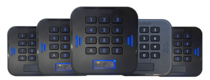
 LabKey Mini
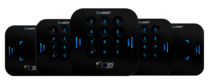 LabKey Glass
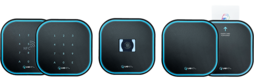 LabKey Next
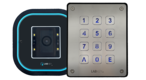 LabKey Extreme
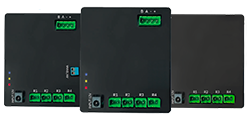 Wi-Fi & bluetooth connection
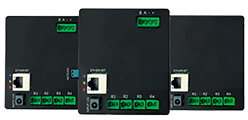 Wi-Fi / LAN Connection
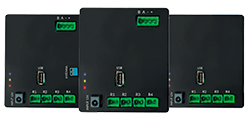 Wi-Fi / LTE Connection
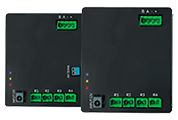 Local Network Connection
 KIT LABKEY ACCESS PRO 8
 For Bed & Breakfast
 Access Control for hotel
 Access control for GYM
 For Companies
 For Public Administration
 Access with payment solutions
 Some installations
 Manage Software
 Additional cloud feature
 App for remote control
 API and integrations


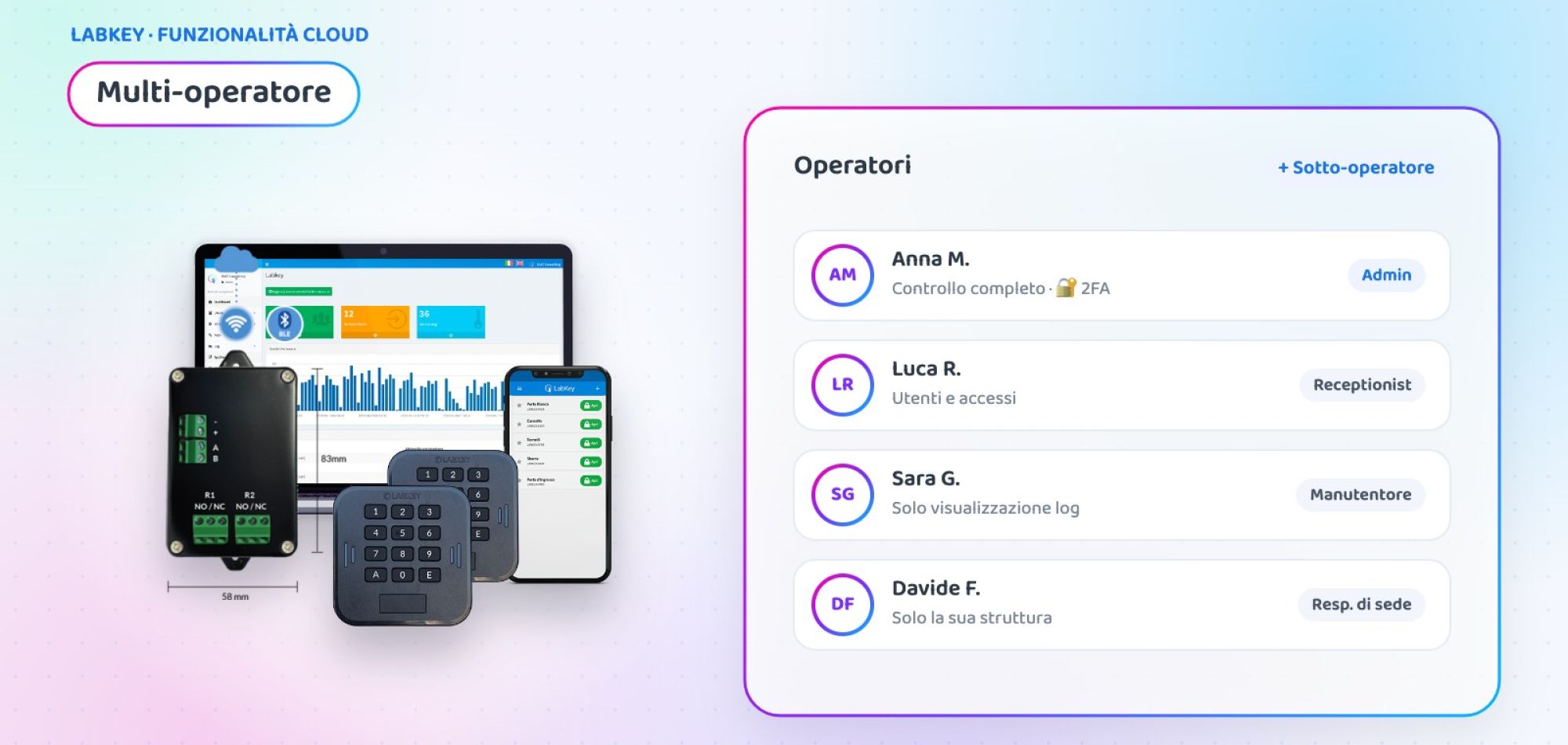
Multi-operator access control: roles and permissions for your staff
When several people manage access, sharing a single password is neither safe nor practical. With LabKey’s multi-operator access control every staff member logs in to the panel with their own credentials and sees only what they need: tailored roles, assigned facilities and protected settings.
What is LabKey’s multi-operator access control
Multi-operator is an additional feature of the Manage panel that lets you create sub-operators: receptionists, site managers, maintenance staff or collaborators who access the panel with their own account.
You assign each of them a role, that is, the list of panel areas they can work in and with which privileges. Only the Admin keeps full control over all areas. Each operator can also have their own default messages (email, WhatsApp, SMS) and their preferred panel language.

Admin and sub-operators: who can do what
Two access levels, each with its own scope.
Full control
Works in all areas of the panel, with viewing, creating and editing rights.
- Creates roles and sub-operators
- Decides each operator’s facilities
- Activates two-factor authentication
Only what they need
Logs in with their own credentials and the privileges of the assigned role.
- For example, enables users or views data
- Works on one or more assigned facilities
- Customises their own messages and language
How to activate multi-operator access control
Three steps from the “Operator Management” menu of the Manage panel.
🧩 Create the roles
In “Roles”, add a role, give it a name and choose, area by area, the privilege to authorise.
➕ Add the operators
In “Operator List”, enter name, email and facilities, assign the role and set default messages and languages.
🔑 First login
The operator receives an email to create their password. With 2FA active, they scan the QR code with Google Authenticator.
Case study: a hotel group with three properties
Three hotels, a large staff
A group with three hotels in the same city manages rooms, common areas and service entrances with a single LabKey panel. 12 people use it every day across reception, maintenance and management.
- A single password shared by the whole staff
- Every receptionist could also act on the other hotels
- Settings anyone could change, with the risk of errors
- Three roles: Reception (enables and creates guests), Maintenance (views data), Management (Admin)
- Each receptionist is linked only to their own hotel
- Personal credentials and two-factor authentication for everyone
- Messages to guests in each operator’s language
💡 The added value
Example scenario, created to show a possible use of the feature.
👥 Do several people manage your access?
Tell us how your staff is organised: in a short call we will show you how to set up roles and operators on your panel.
📅 Book a free, no-obligation callWhere to use multi-operator access control
Wherever the panel is shared by several people with different tasks.
Hotels and chains
Reception at each property with separate permissions and management with full control.
Multi-site companies
One manager per site who handles only their own access.
Gyms and sports centres
Reception that enables customers, owner who views data and settings.
Public administration
Different offices with different responsibilities on the same system.
Apartment buildings and residences
Operational concierge and an administrator with the overall view.
Coworking
Community managers who activate members without touching the configuration.
At a glance
| 👥 Who logs in | Admin and sub-operators with personal credentials |
| 🧩 Permissions | Defined by the role, area by area of the panel |
| 🏢 Facilities | One or more for each sub-operator |
| 🔐 Security | Two-factor authentication for all operators |
| 💬 Messages | Default email, WhatsApp and SMS for each operator |
| 🌍 Language | Panel and messages in the language each person chooses |
Multi-operator is one of the additional features of the LabKey cloud panel and is activated on your panel on request.
Frequently asked questions about multi-operator access control
What is a sub-operator?
A staff member who accesses the Manage panel with their own credentials and only the privileges of the role you have assigned to them. Only the Admin operator can work in all areas of the panel.
Can an operator see only their own facility?
Yes. When you create a sub-operator, you choose one or more facilities they can access: they work only on those.
What can a sub-operator do?
It depends on the role: for each area of the panel you decide the privilege, for example enabling users, viewing data and, in the cases you choose, creating new users.
How does a new operator receive their credentials?
After saving, they receive an email with instructions to create their own password and access the panel.
Can I activate two-factor authentication?
Yes. Two-factor authentication is activated for all operators of the panel: from the operator list you download the QR code to scan with Google Authenticator.
Want to give everyone their own access to the panel?
Book a call with our team: we will look at roles and facilities together and show you how to activate multi-operator on your panel.
📅 Book a free, no-obligation call 👉 All additional features
