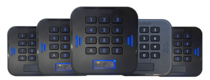
 LabKey Mini
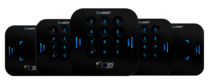 LabKey Glass
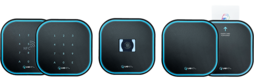 LabKey Next
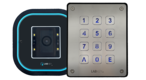 LabKey Extreme
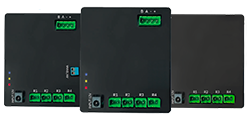 Wi-Fi & bluetooth connection
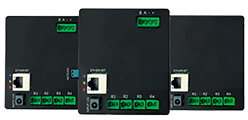 Wi-Fi / LAN Connection
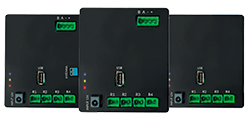 Wi-Fi / LTE Connection
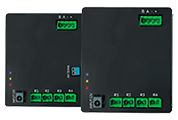 Local Network Connection
 KIT LABKEY ACCESS PRO 8
 For Bed & Breakfast
 Access Control for hotel
 Access control for GYM
 For Companies
 For Public Administration
 Access with payment solutions
 Some installations
 Manage Software
 Additional cloud feature
 App for remote control
 API and integrations


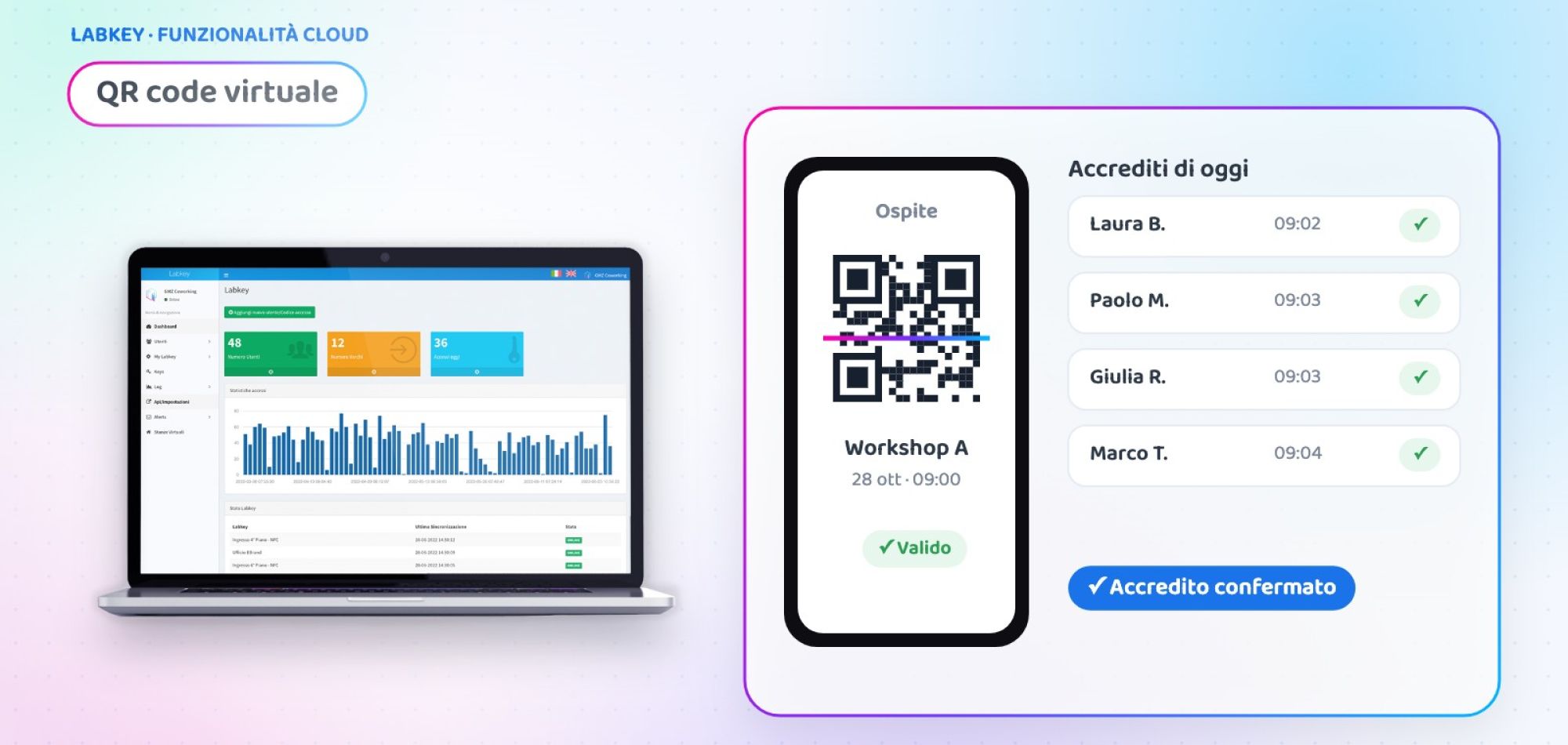
QR code guest check-in: virtual access control from the LabKey panel
QR code guest check-in is the fastest way to welcome people at an event, a course or a reception desk: the guest shows the code on their smartphone, the staff scans it and instantly knows whether the code is valid. With LabKey’s virtual QR code all of this happens directly from the cloud panel, opened in the browser of a PC, tablet or smartphone. No reader to install, no paper list to tick off.
What is LabKey’s virtual QR code
The virtual QR code is an additional feature of the Manage panel, the cloud software you use to manage LabKey users and access. It turns any device with a camera into a check-in station: open the panel in the browser, frame the guest’s QR code with the webcam or camera and the system immediately checks whether the code is valid.
Every scan is recorded in the access logs, with date and time: at the end of the day you have an accurate list of who showed up, ready to view or export.

How QR code guest check-in works, in 3 steps
The flow is the same for an event with hundreds of attendees and for an office reception.
👤 Create the guest
Add the guest to the Manage panel: the personal QR code is generated automatically together with the user.
✉️ Send the QR code
From the panel you can email it, download it or print it. The guest shows it on their smartphone or on paper.
📱 Scan and verify
On arrival the staff frames the code with a PC, tablet or smartphone: the panel confirms whether it is valid and records the log.
Two modes: automatic or with operator confirmation
You decide how much control you want at check-in.
The system checks on its own
The scan is validated and recorded immediately, with no extra steps.
- Ideal when many people arrive at the same time
- Shorter queues at the desk
- No action required from the staff
The operator approves every entry
After the scan the operator confirms the entry, for example after checking an ID document.
- Ideal for restricted areas or limited places
- Visual check of the person
- Full traceability of every decision
Case study: check-in for a 400-attendee conference
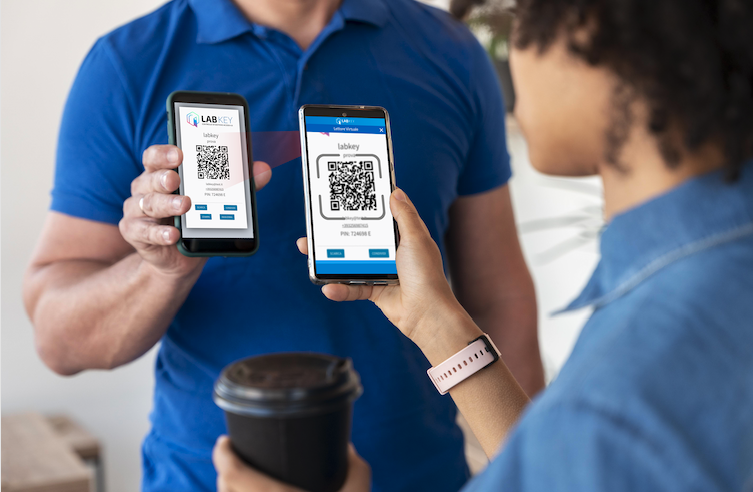
Two-day medical conference
A conference centre hosts a congress with 400 registered attendees, a plenary hall and four workshops with limited places. It needs fast check-in and a reliable attendance list for every session.
- Check-in with printed lists: queues of up to 30 minutes at opening
- No real control over who enters the limited-place workshops
- Attendance for certificates rebuilt by hand after the event
- Every attendee receives their QR code by email, generated from the Manage panel
- At the entrance the hostesses scan from smartphones and tablets in automatic mode
- At the workshops the operator confirmation mode is used
- At the end of the day the access logs are exported
💡 The added value
Example scenario, created to show a possible use of the feature.
🎟️ Do you run events or welcome guests every day?
Tell us how you manage entrances today: in a short call we will show you how to set up QR code guest check-in for your case.
📅 Book a free, no-obligation callWhere to use QR code check-in
Events and conferences
Fast check-in at the entrance and attendance for every session.
Trade fairs and open days
Ticket checks at temporary entrances, with no cabling.
Courses and training
Automatic attendance register for classrooms and company courses.
Hotels and accommodation
Quick guest recognition at reception.
Offices and companies
Visitor welcome with a record of every passage.
Gyms and clubs
Entry to classes and special events without extra readers.
At a glance
| 📱 Scanning devices | PC webcam, tablet, smartphone |
| 🌐 Where it is used | Manage panel, in the browser |
| ⚙️ Modes | Automatic or with operator confirmation |
| ✉️ Sending the QR code | Email, download or print |
| 🧾 Traceability | Every scan recorded in the logs |
| 🔌 Hardware at the entrance | Not required |
The virtual QR code is one of the additional features of the LabKey cloud panel and is activated on your panel on request.
Frequently asked questions about QR code guest check-in
Do I need a QR code reader to use the virtual QR code?
No. Scanning is done from the Manage panel opened in the browser, using the PC webcam or the camera of a tablet or smartphone.
Does the scan open a door or a gate?
No. The virtual QR code checks whether the code is valid and records the log, but it does not control gates. To open doors, gates or turnstiles with a QR code, dedicated LabKey readers are used.
How does the guest receive the QR code?
The QR code is generated together with the user in the Manage panel. From there you can email it, download it or print it: the guest can show it on their smartphone or on paper.
What is the difference between automatic mode and confirmation mode?
In automatic mode the system validates the code right after the scan. With confirmation, the operator approves every entry, which is useful when a visual check is needed or places are limited.
Can I get the list of attendees at the end of the event?
Yes. Every scan is recorded in the panel’s access logs, which you can view and export at any time.
Want to try QR code guest check-in?
Book a call with our team: we will look at your welcome flow together and tell you how to activate the virtual QR code on your panel.
📅 Book a free, no-obligation call 👉 All additional features
